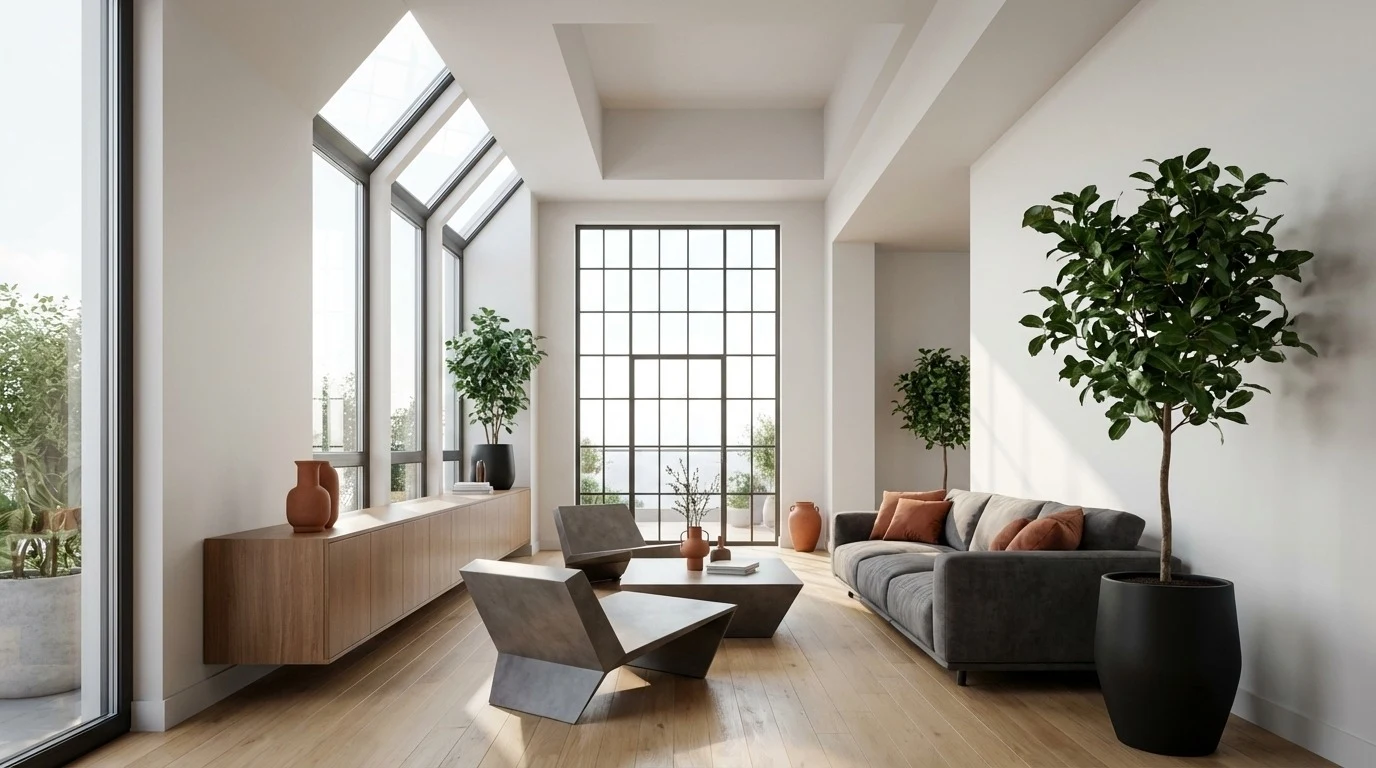
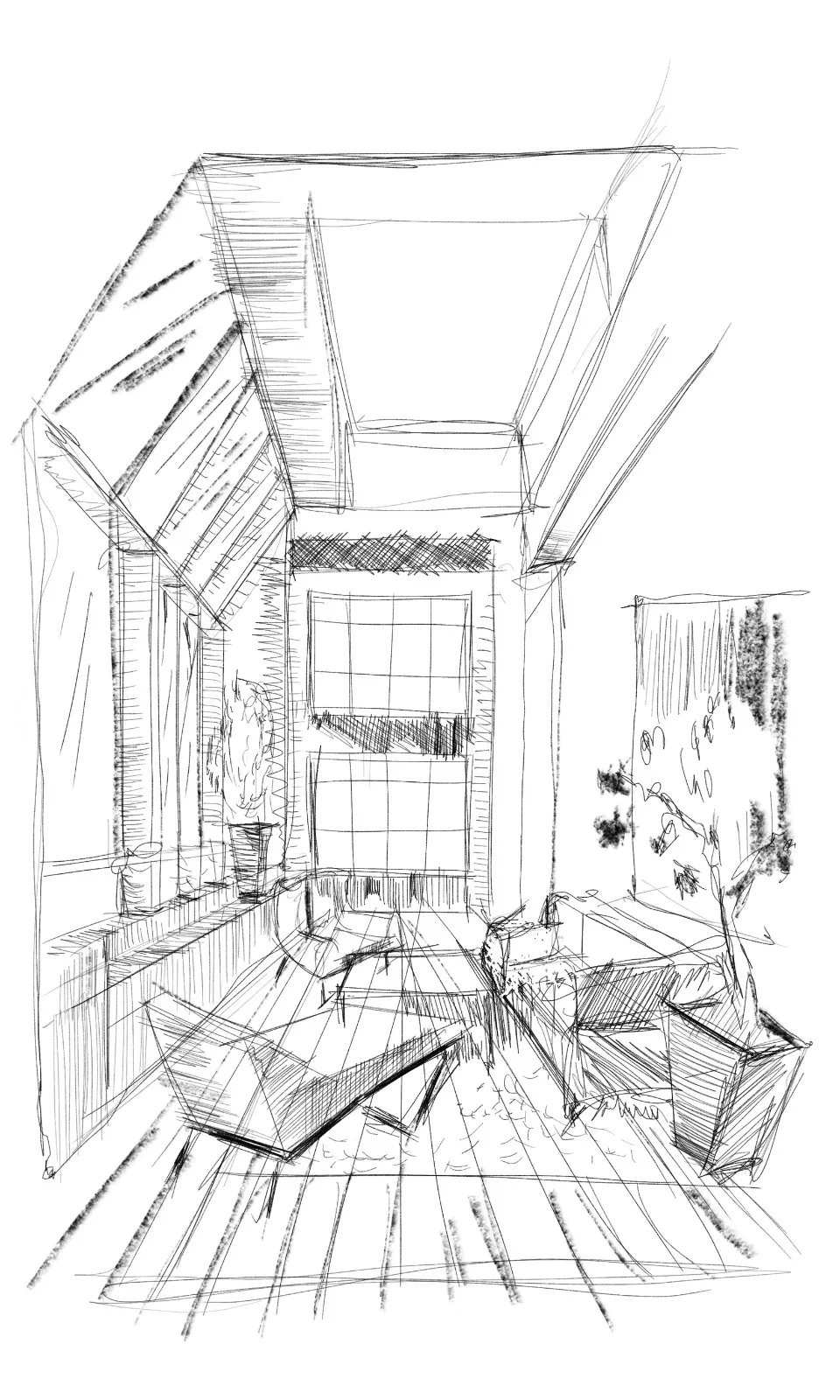
AI Sketch to Render, in Seconds
Upload a hand-drawn sketch or concept image and get a photorealistic architectural render — accuracy-first, so your proportions stay true. Built for architects and designers who need to show, not just tell.
From a rough sketch to a presentation-ready render — in one step.
Three Steps to a Photorealistic Render

Upload Your Sketch
A hand-drawn sketch, concept image, or a screenshot from SketchUp, Revit or Rhino.

Choose a Style & Render
Set materials, lighting and mood. ArchLab renders a photorealistic result in seconds.

Refine & Download
Iterate by prompt, generate variations, and download high-resolution renders.
Renders You Can Actually Design From
The difference between an AI picture and an architectural render is whether you can trust what it shows.
Generic AI image tools
- Invent dimensions and proportions
- Drift away from your actual design
- Beautiful, but not buildable
- A dead end — no path to CAD or BIM
ArchLab
- Holds your real proportions and layout
- Faithful to your sketch and intent
- Presentation-ready for clients
- The first step toward CAD, 3D and BIM
Sketch-to-Render Questions
Upload a hand-drawn sketch, concept image or model screenshot, choose a style, material palette and lighting, and ArchLab generates a photorealistic architectural render in seconds. You can refine by prompt and download high-resolution results.
Seconds. ArchLab produces a photorealistic render almost immediately, so you can iterate on materials, lighting and mood in real time rather than waiting on a traditional visualisation pipeline.
Hand-drawn sketches, concept images and model screenshots from SketchUp, Revit or Rhino. Supported formats include JPEG, PNG, WebP, HEIC (iPhone photos) and PDF.
ArchLab is built accuracy-first: renders are generated to respect the proportions and layout of your input rather than inventing an unrelated scene. That makes them suitable for client presentations and design development, not just inspiration.
Render Your First Sketch Today
Sign up and turn a sketch into a photorealistic render in seconds — then explore what's coming next on the roadmap.