How It Works
Renovation As-Builts Sketch to CAD Room Redecoration Pitch Visuals
For Firms About Contact Join Waitlist

How ArchLab Converts Sketches into Dimension-Accurate Floor Plans

A three-step pipeline powered by deterministic computer vision — no generative hallucination, no approximate guesses. Every dimension is derived from real geometry.

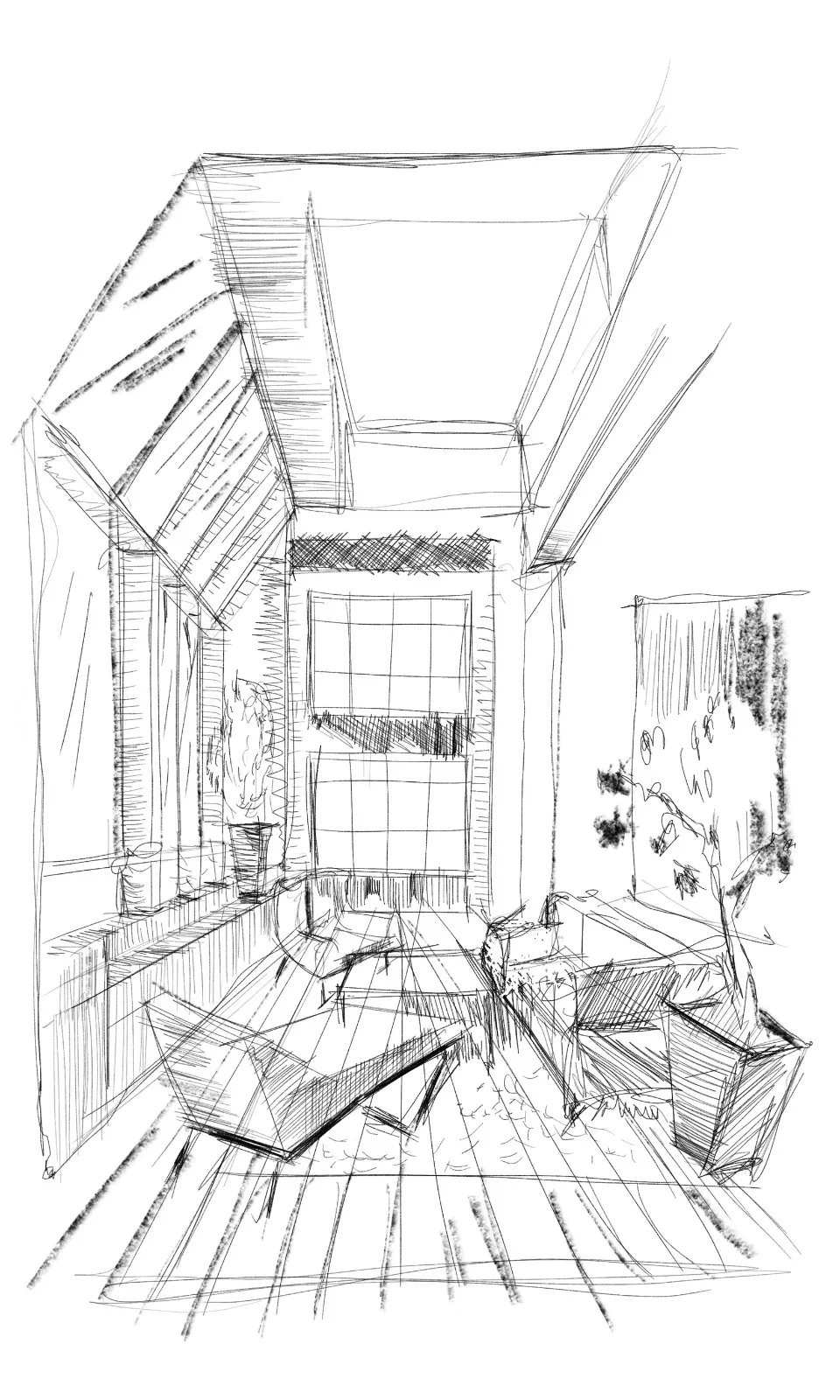
ArchLab AI analysis interface showing uploaded sketch
Step 1

Upload Your Sketch, Scan, or Photograph

ArchLab accepts virtually any architectural input: hand-drawn sketches on napkins, scanned floor plans from paper archives, site photographs taken on a smartphone, or even rough PDFs from clients.

Our intake engine normalises orientation, corrects lens distortion from photos, and identifies architectural primitives — walls, doors, windows, and structural elements — before any measurement begins.

  • Accepts JPEG, PNG, PDF, TIFF, HEIC, and WebP
  • Automatic orientation and lens correction
  • Primitive detection: walls, openings, columns, stairs
  • Works with incomplete or partial sketches
Dimension extraction with cyan overlay lines on room photograph
Step 2

Deterministic Dimension Extraction

This is where ArchLab fundamentally differs from generative AI tools. Instead of predicting what a room might measure, our pipeline extracts real dimensions using geometric constraint solving.

Walls are straightened to their true alignment. Angles snap to structurally plausible values (90-degree, 45-degree, or as-built). Every measurement is derived from the spatial relationship between detected primitives — not hallucinated by a language model.

  • Geometric constraint solver, not a generative model
  • Wall straightening and angle snapping
  • Sub-centimetre accuracy from calibrated inputs
  • Zero dimension hallucinations — if it cannot measure, it flags uncertainty
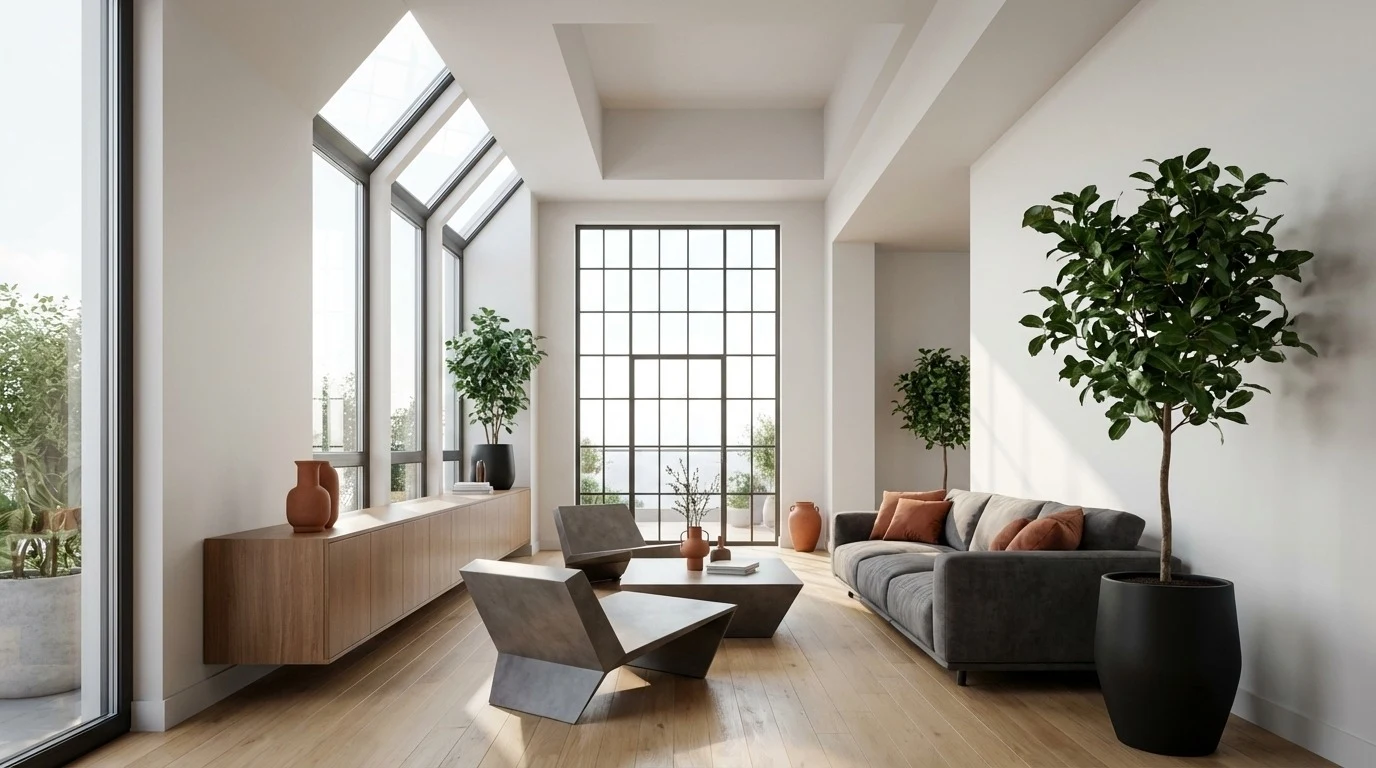
Photorealistic 3D render generated from floor plan
Step 3

Export to CAD, 3D Render, or Both

Once dimensions are extracted, ArchLab generates production-ready output in the format your workflow demands. Editable DXF and DWG files open directly in Revit, AutoCAD, ArchiCAD, and other BIM software.

Need a client-ready visual? Our rendering engine produces photorealistic 3D views from the same extracted floor plan — no additional modelling required.

  • DXF/DWG export compatible with Revit, AutoCAD, ArchiCAD
  • Photorealistic 3D renders from floor plan data
  • Layer-separated output for walls, doors, windows, dimensions
  • Batch processing for multi-room or multi-floor projects

Why Deterministic AI Matters for Architecture

Generative AI hallucinates. In architecture, a hallucinated dimension means a wall that does not fit, a door that does not open, or a structural element in the wrong place. ArchLab takes a different approach.

No Hallucinations

Every measurement output is derived from geometric relationships in your input. If ArchLab cannot determine a dimension with confidence, it flags it rather than guessing.

Reproducible Results

Feed the same input twice, get the same output twice. Our deterministic pipeline eliminates the randomness inherent in generative models.

Professional-Grade Output

Layer-separated CAD files, proper annotation, and BIM-compatible formats. Output that fits into real architectural workflows, not demo-ware.